

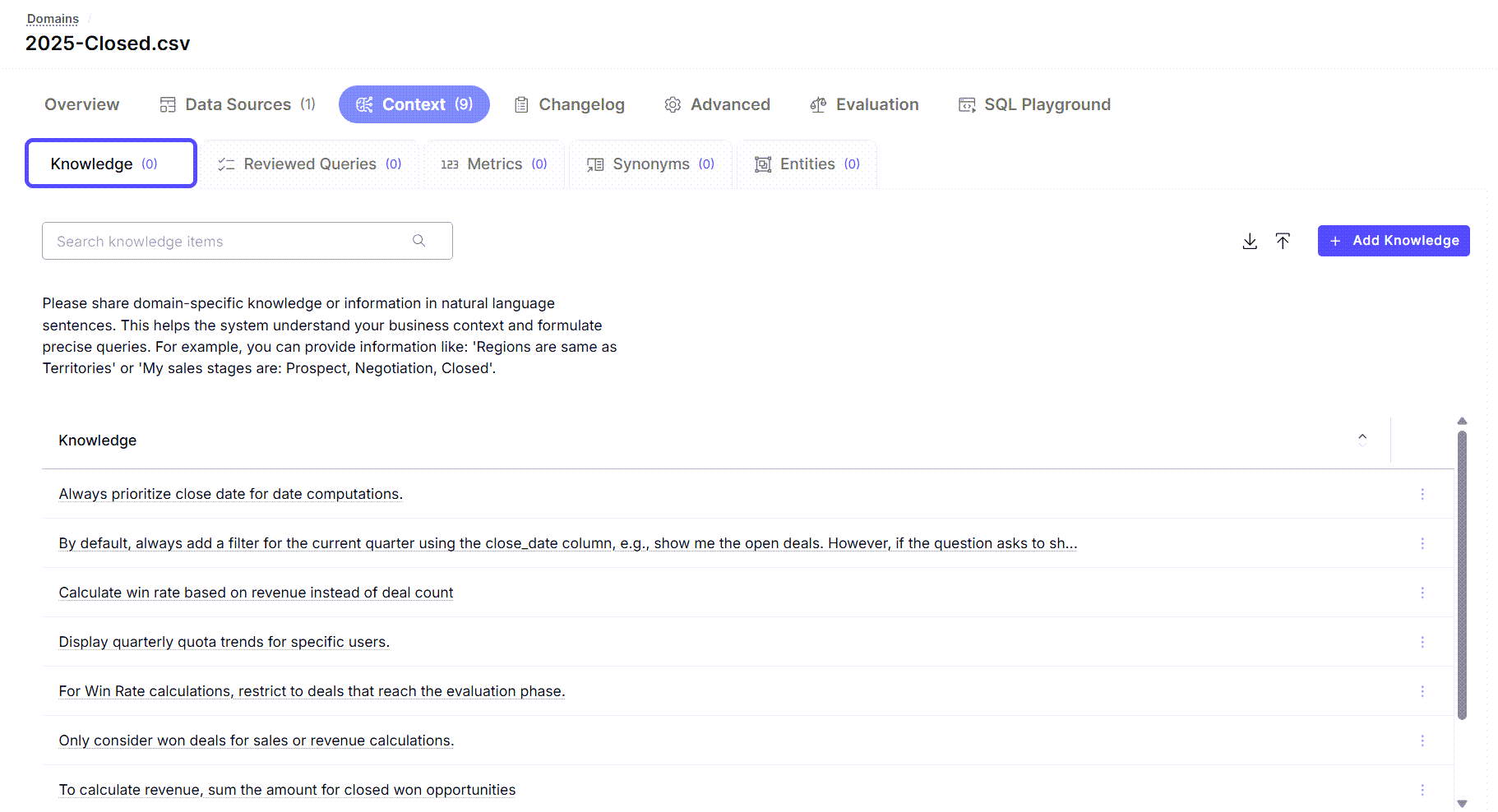
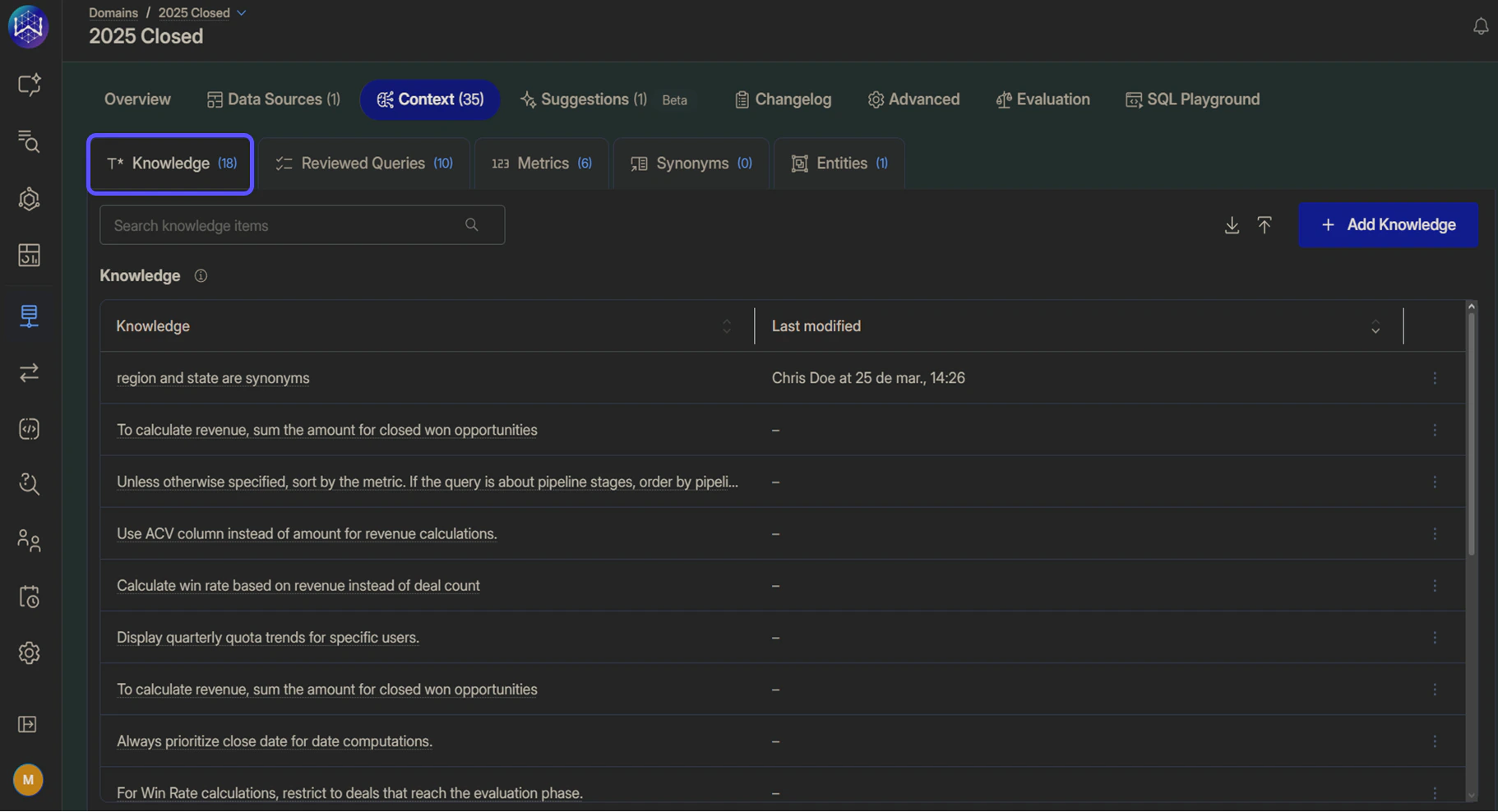
Knowledge
Use this sub-tab to define background information that helps the AI understand the expected answer type, audience, and format. You can:- Add knowledge entries manually
- Upload or download knowledge entries in bulk
- Search for specific knowledge entries
- Edit or delete existing knowledge
To learn more about how Knowledge works, read the related article Advanced Data Modeling: Creating Context.
Reviewed Queries
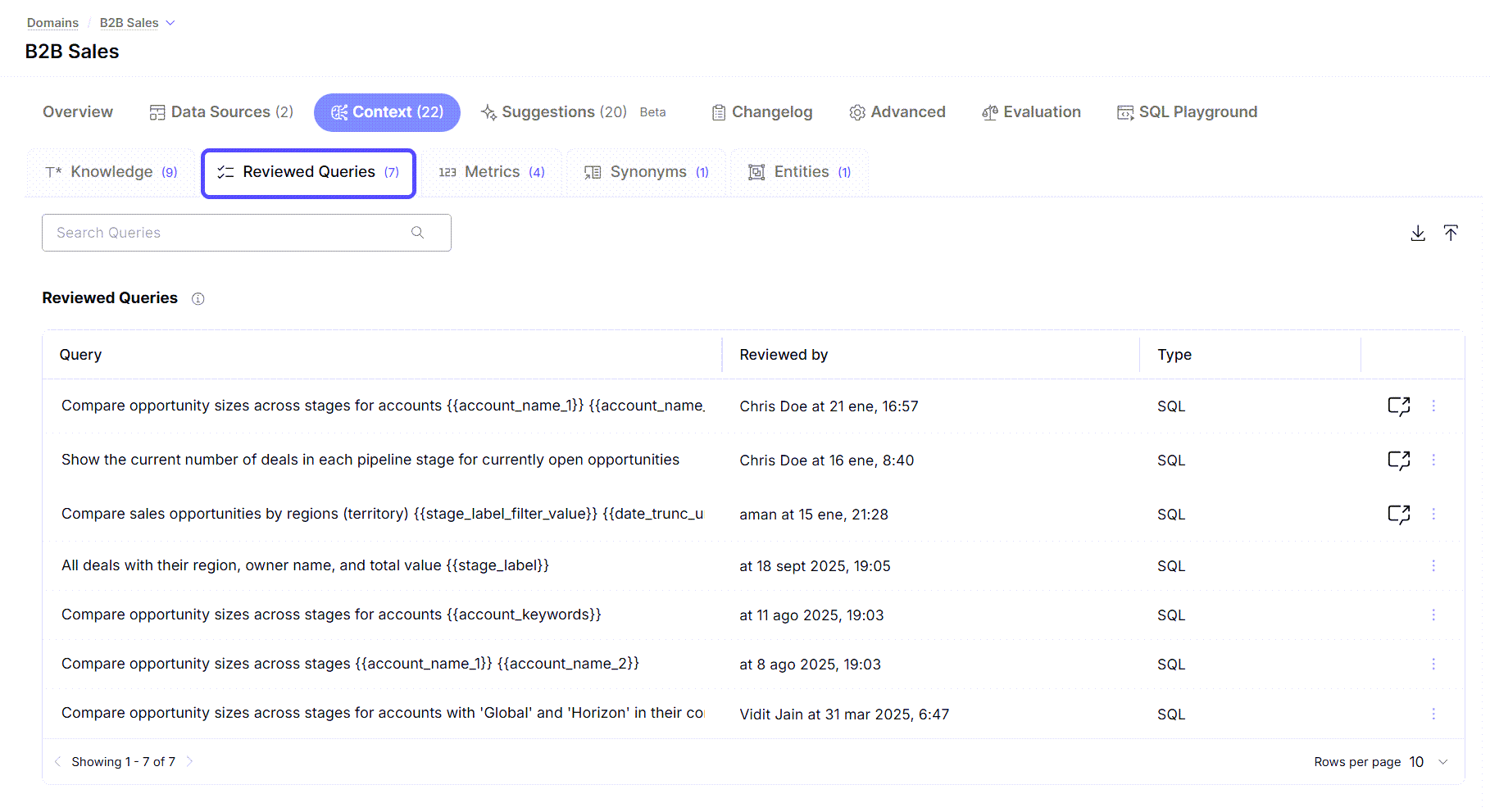
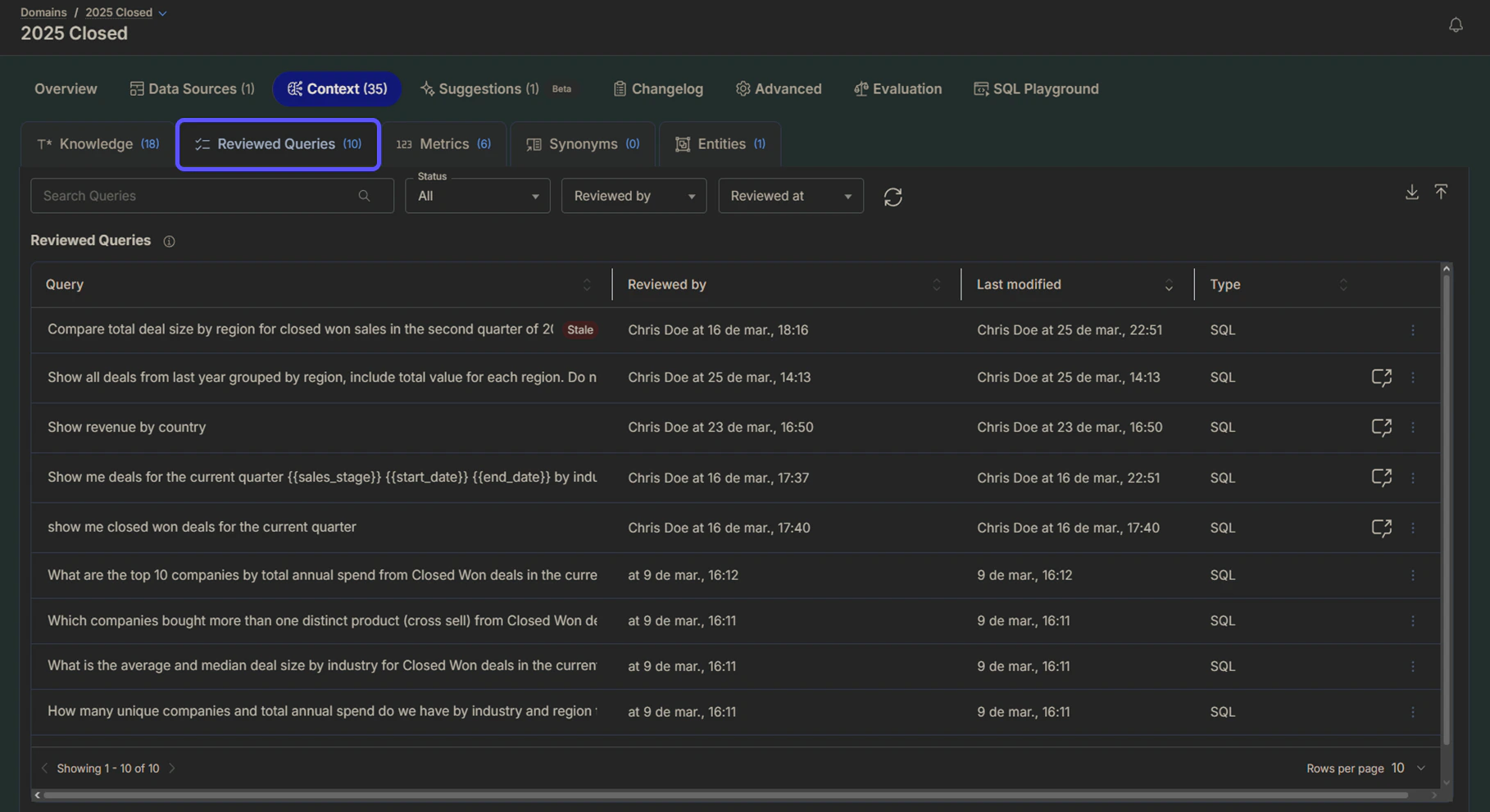
Use this sub-tab to manage reviewed question-and-answer pairs that define how the AI should respond to specific user queries. Reviewed queries are natural language questions that have been manually reviewed and refined by a subject matter expert to ensure that:- The question is clear and well-structured
- The intended meaning is correct
- The AI produces a consistent and trustworthy answer when the query is reused
To learn more about Reviewed Queries, read the related article Validate and Test Answers
Metrics
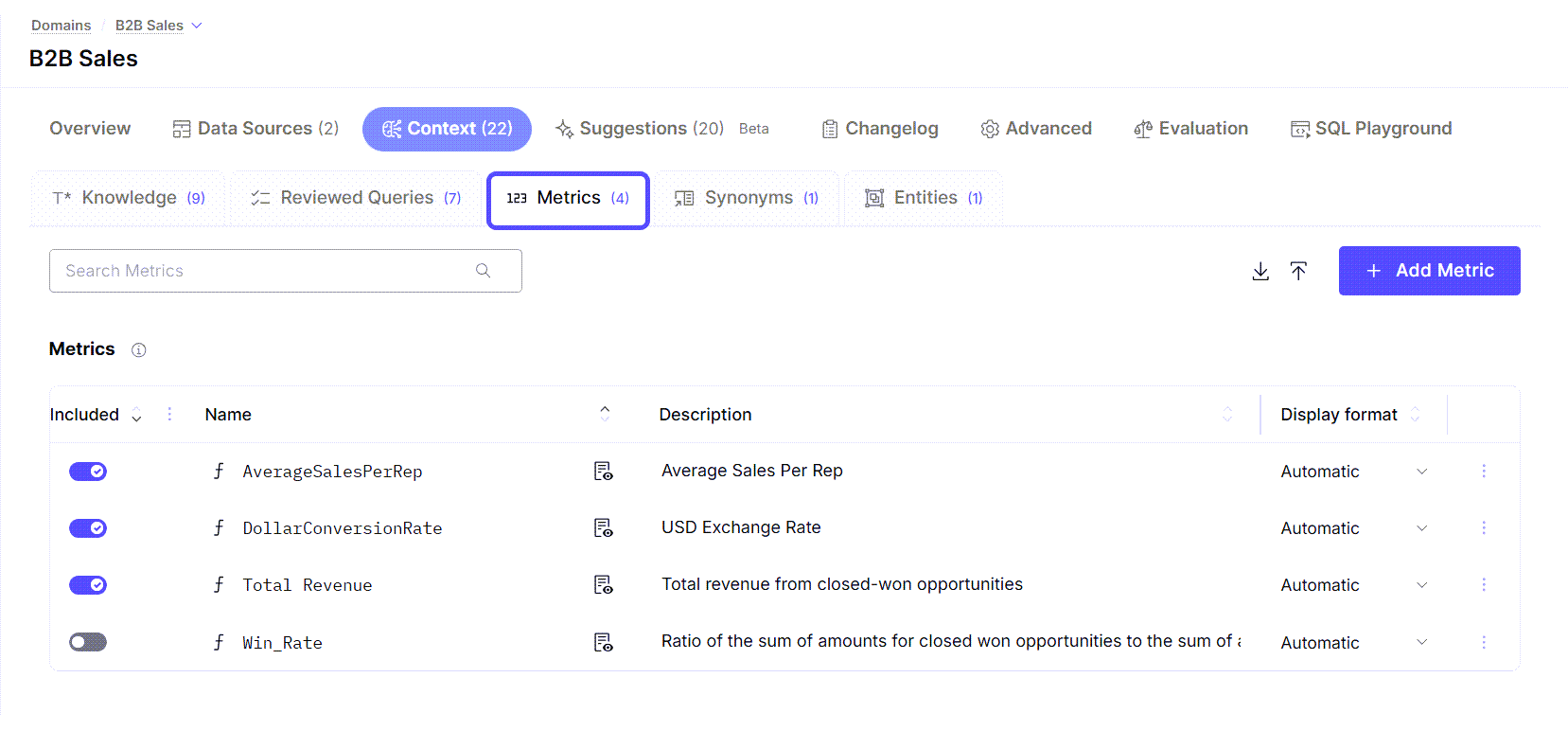
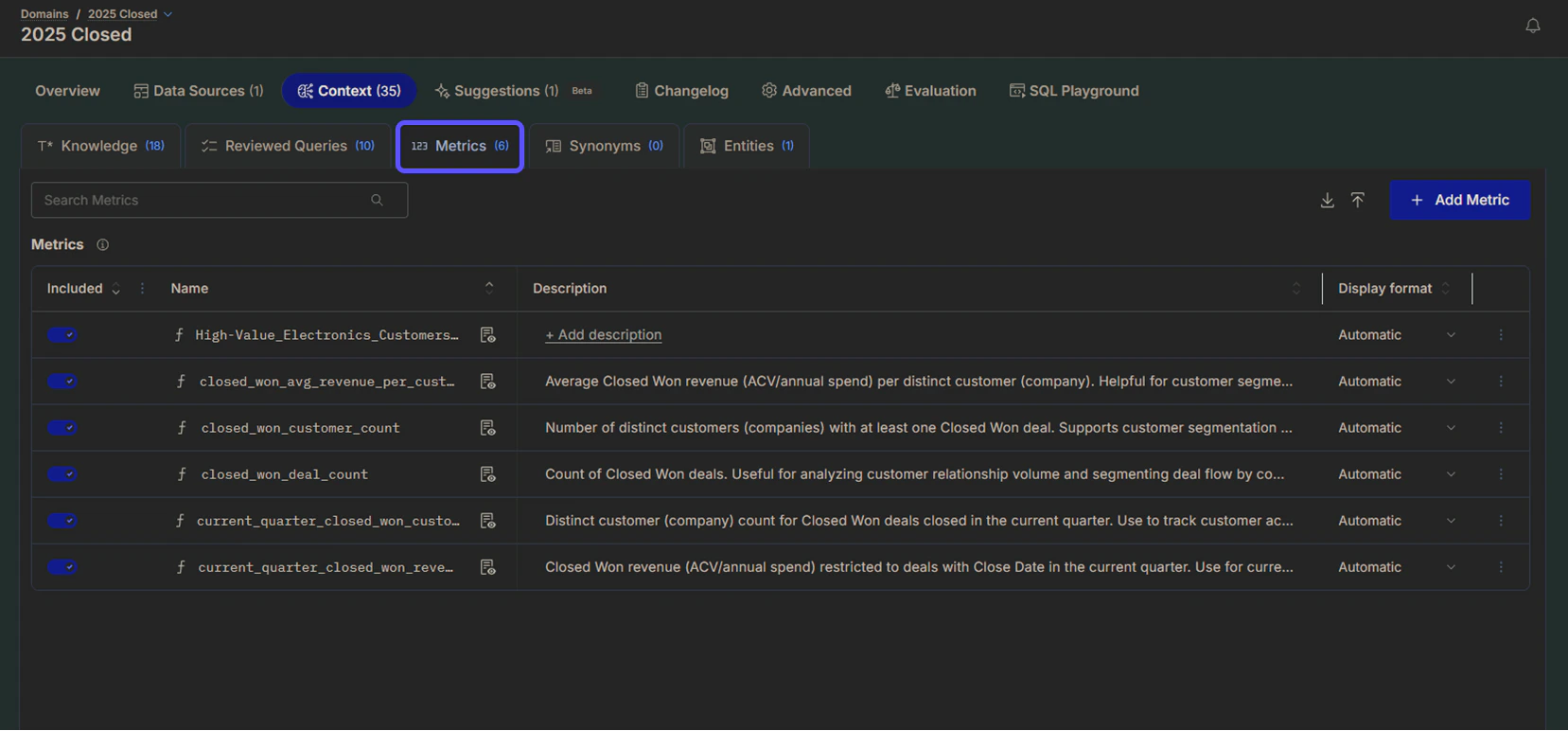
Use this sub-tab to define custom business metrics that the AI can reference and explain consistently. You can create metrics and manage their visibility, names, descriptions, and display formats. Defining metrics ensures the AI uses the same definitions and calculations your business relies on.To learn more about how Metrics work, read the related article How to Create Metrics.
Synonyms
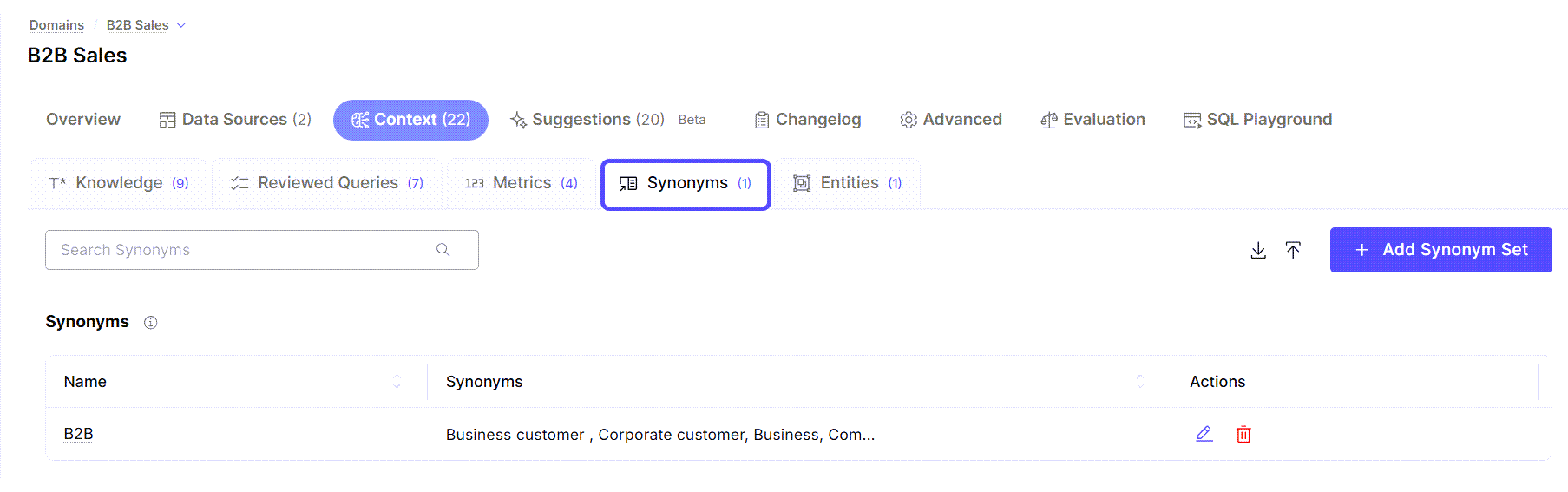
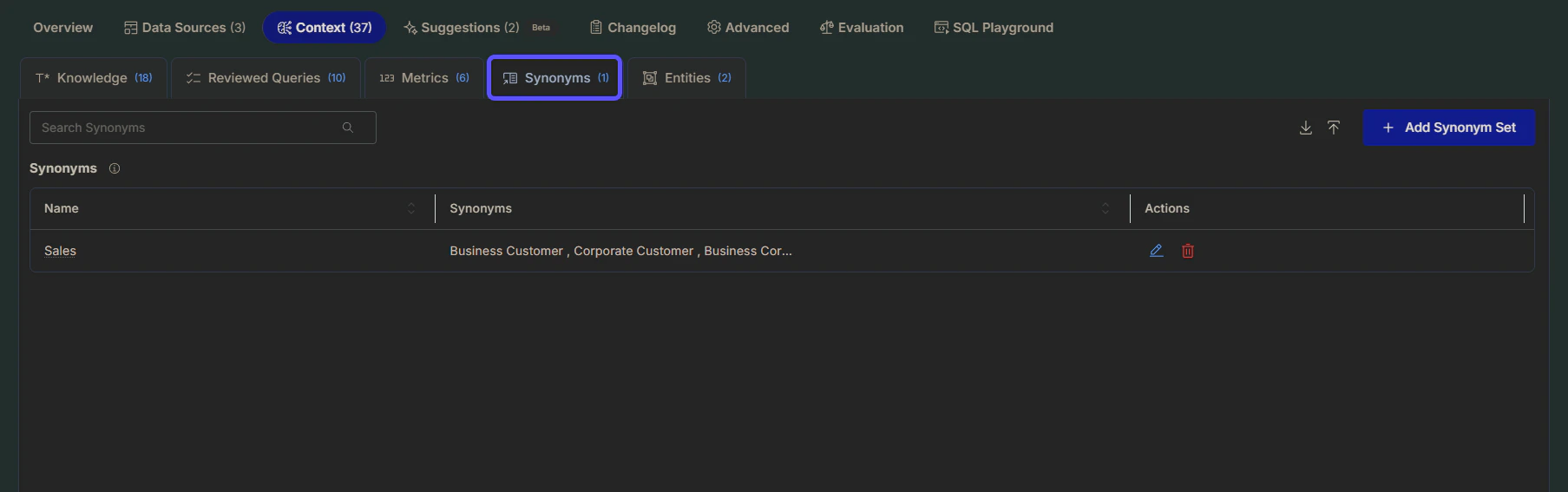
Use this sub-tab to define groups of words or phrases that should be treated as the same business concept. Synonym sets help the AI recognize different ways users may refer to the same idea, improving query understanding and retrieval accuracy. This is especially useful for:- Abbreviations and acronyms
- Aliases and alternative names
- Industry-specific or regional terminology
Entities
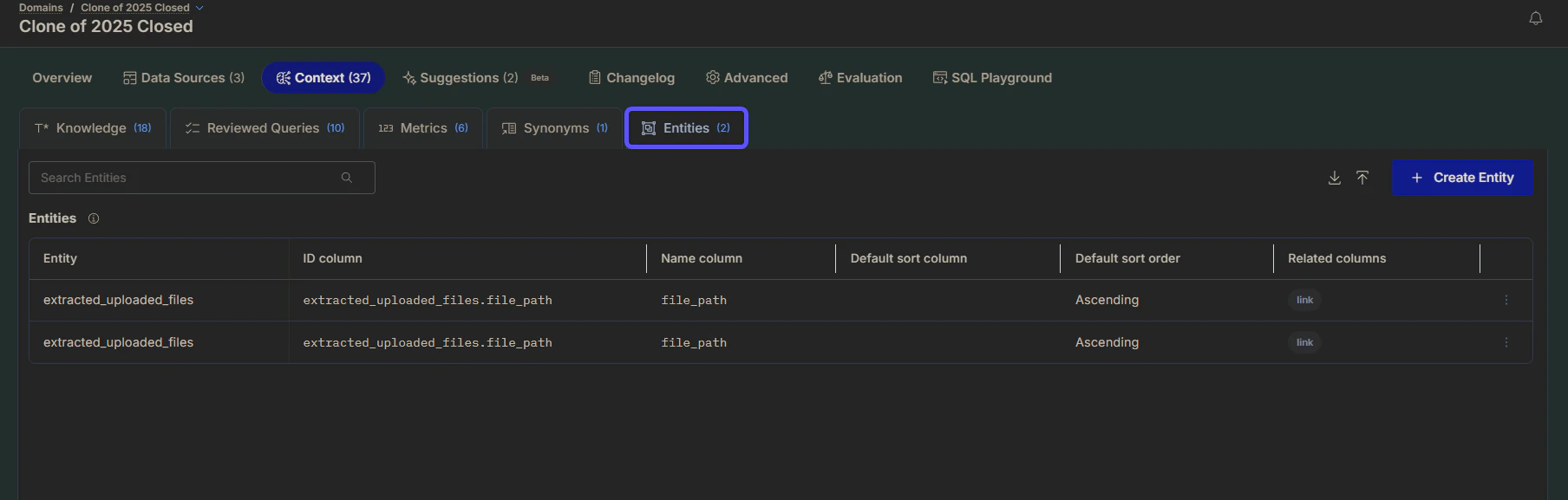
Use this sub-tab to define the key business entities that are central to your domain, such as Accounts, Customers, or Opportunities. Entities represent meaningful business concepts that the AI should recognize and refer to in natural language, rather than technical identifiers or internal IDs. Defining entities helps align AI responses with how your business actually talks about its data, resulting in a clearer, more intuitive chat experience. You can define entities by specifying name columns, ID columns, default sorting, and related columns.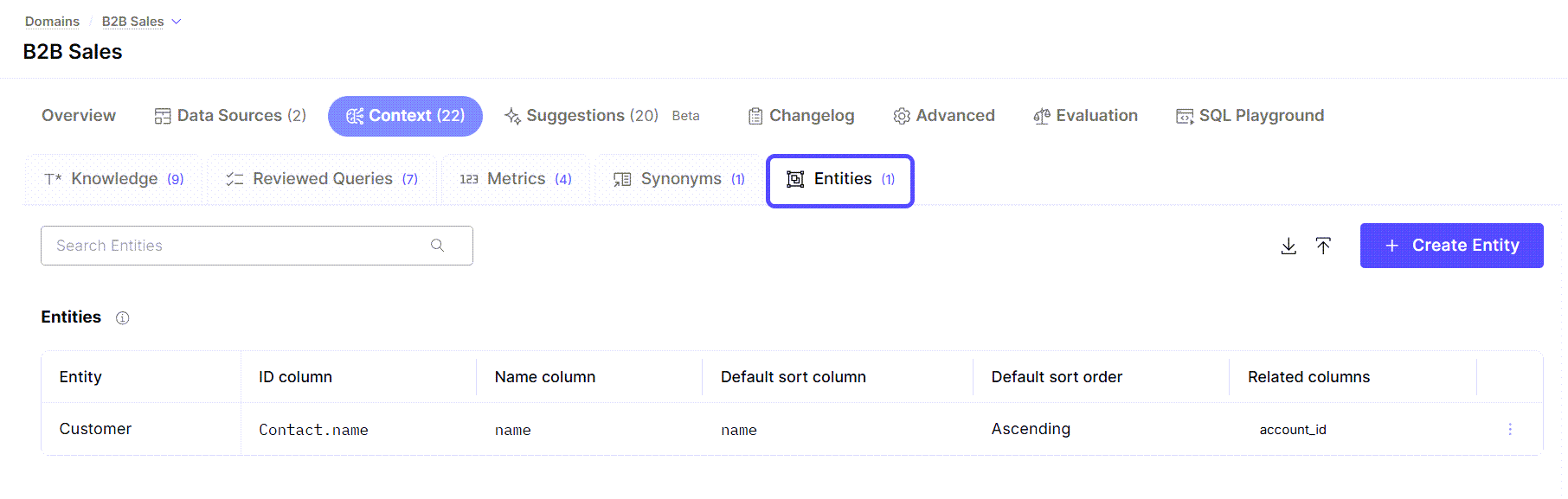
Skills
Use this sub-tab to create and manage reusable task-specific guidance that WisdomAI follows when it recognizes a matching request. Skills standardize recurring analysis workflows so WisdomAI follows the same process consistently across all users. Each skill has a name, a description that tells WisdomAI when to activate it, and a body of instructions.To learn how Skills work and how to create them, read Understand Skills and Create a Skill.