

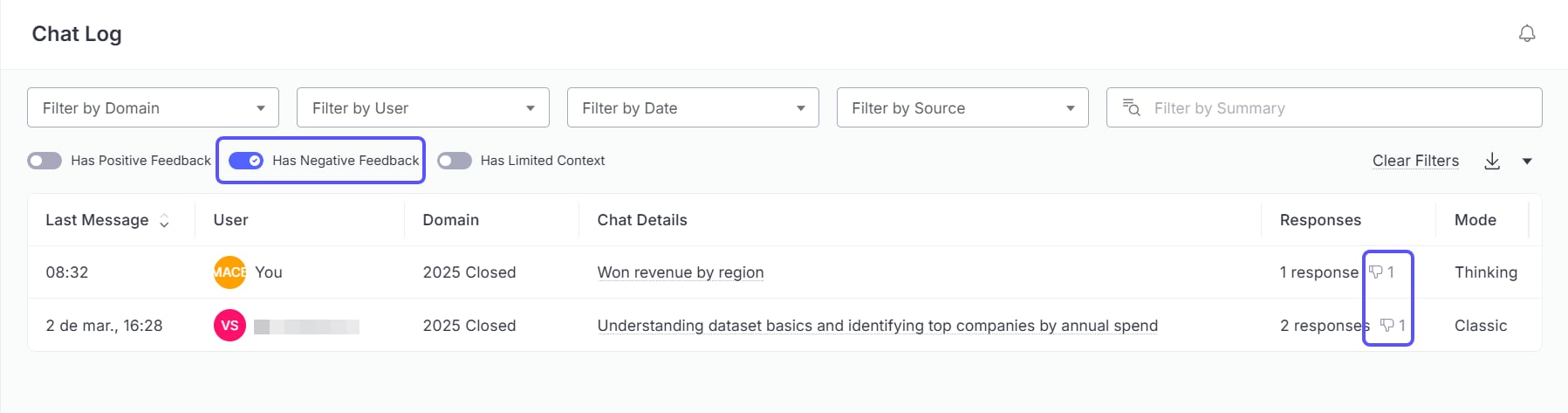
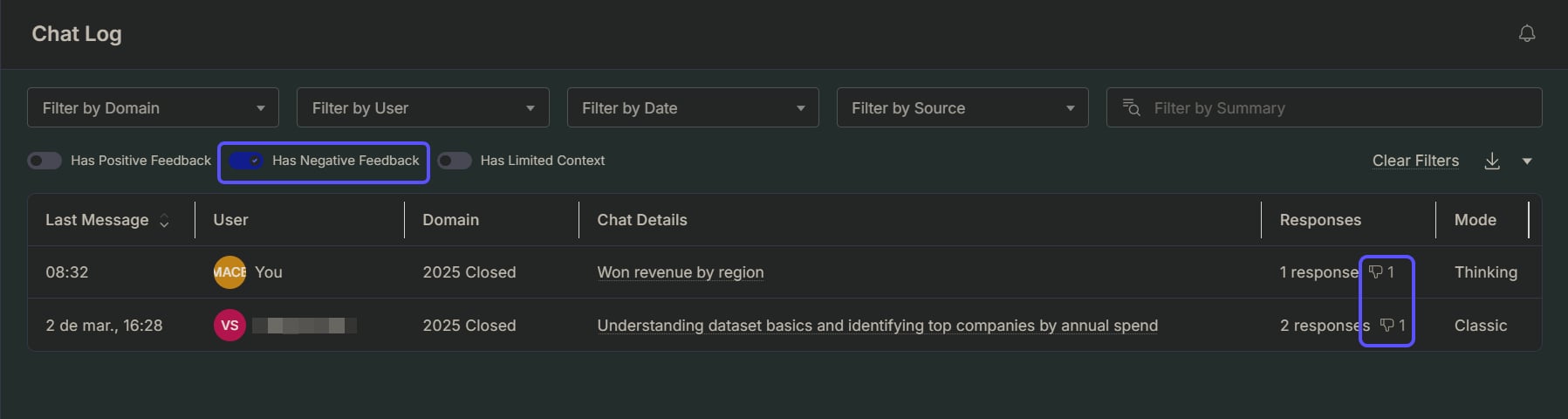
Get email notifications
The system automatically channels negative feedback to administrators via email, ensuring prompt attention to issues that require intervention.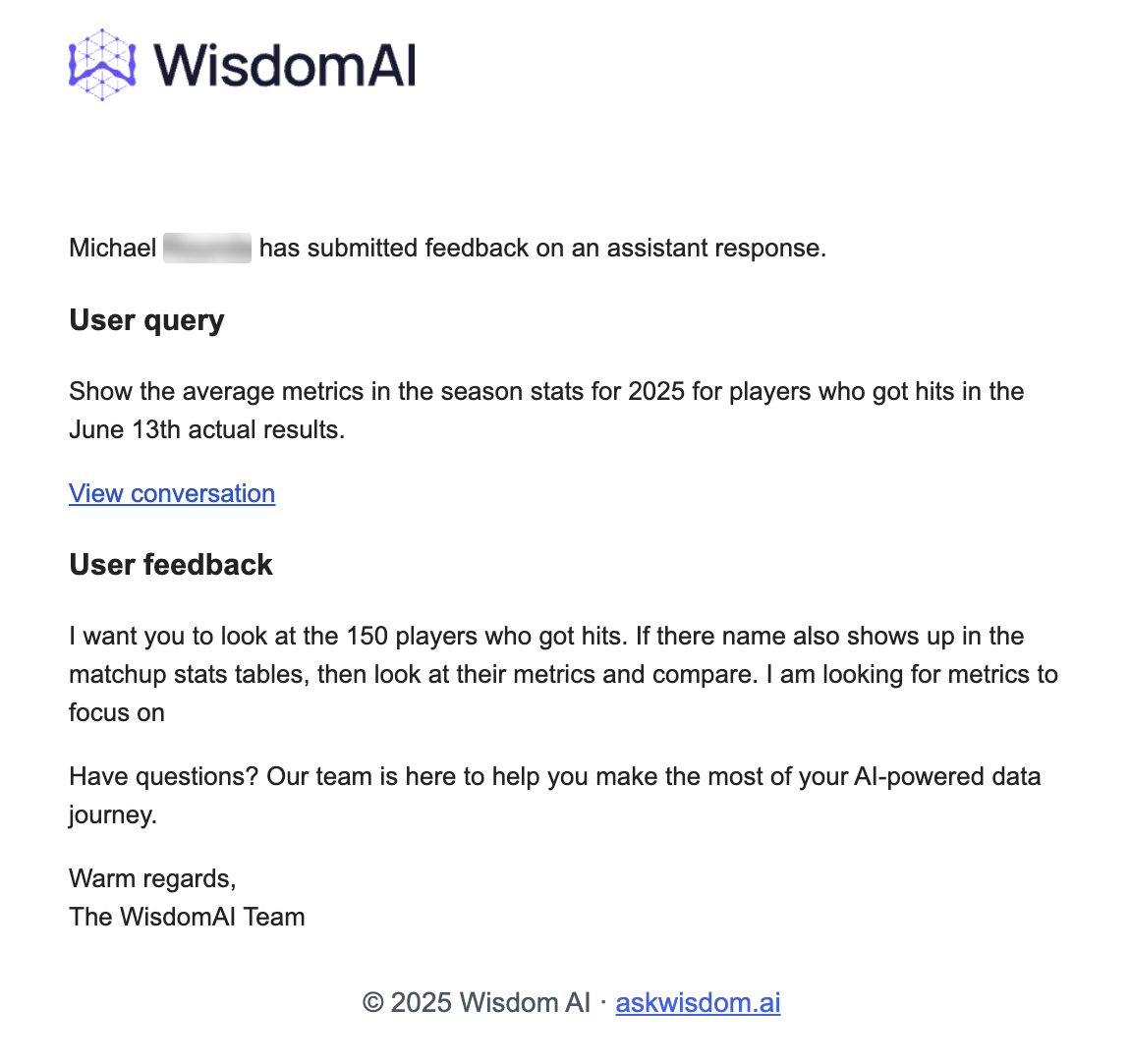
Best practices when you see negative feedback
- If the issue is just an incorrect SQL, you can edit the response.
- If it is an understanding gap, which is generally applicable, then you should add knowledge to your Domain.
- If this is some kind of feedback on the WisdomAI product, contact support@askwisdom.ai.
For Domains with high usage or complex data, we recommend you to assign a dedicated administrator to regularly review feedback and make all the necessary updates to the knowledge base, ensuring continuous optimal performance.
Next steps
Turn Answers into Dashboards
Compile key insights and visualizations into a shareable, narrative-driven report.
Limited Knowledge
Understand how to identify and flag when the system’s answers lack necessary context.
Provide Feedback to the System
Learn how to rate answers and provide corrections to improve the system’s accuracy.