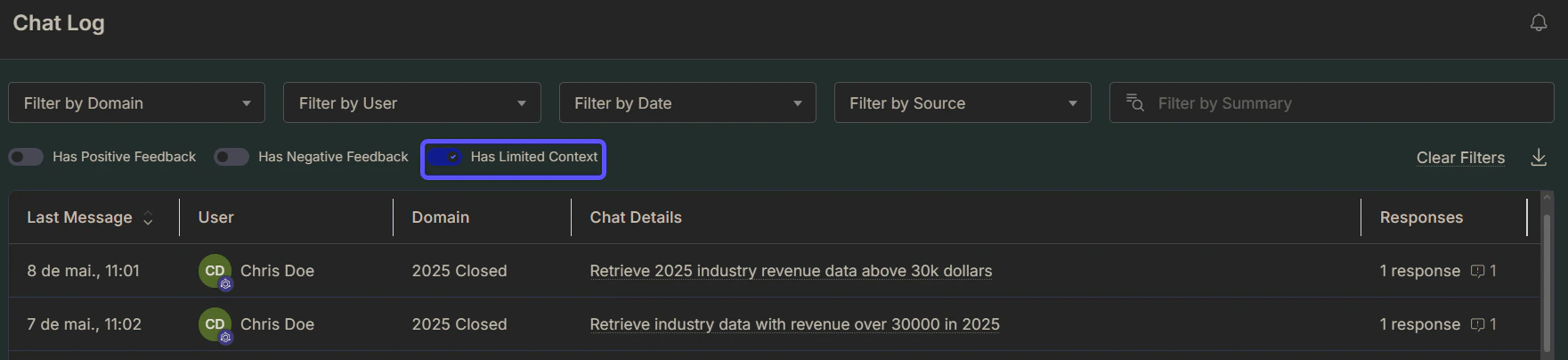
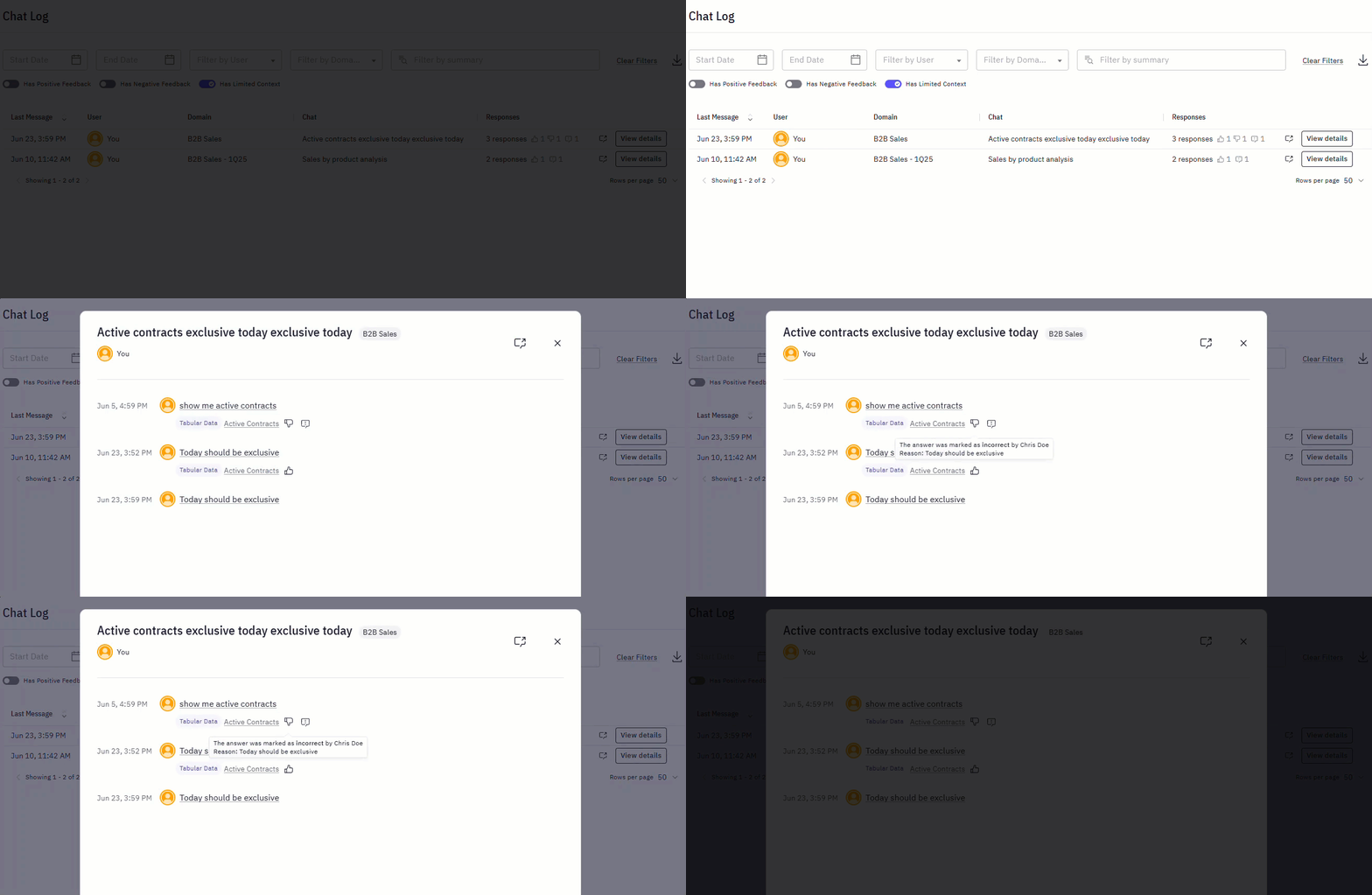
The Has Limited Context marker is a key signal for monitoring the quality of WisdomAI responses. If the system lacked complete domain context to answer a question confidently, it forced the Large Language Model (LLM) to make assumptions based on partial information. These responses may still be helpful but require closer review to ensure accuracy.Administrators are responsible for identifying and acting upon Limited context markers to maintain the precision of the domain configuration. You can find this filter in the Chat Log.Limited context markers are displayed next to generated visualizations or answers. Click Chat Details to see more information, then click Open in Chat to view the full conversation.
Repeated Limited Context markers on similar topics may indicate missing concepts in the knowledge base. Consider updating domain content to reduce future uncertainty and improve overall response quality.