

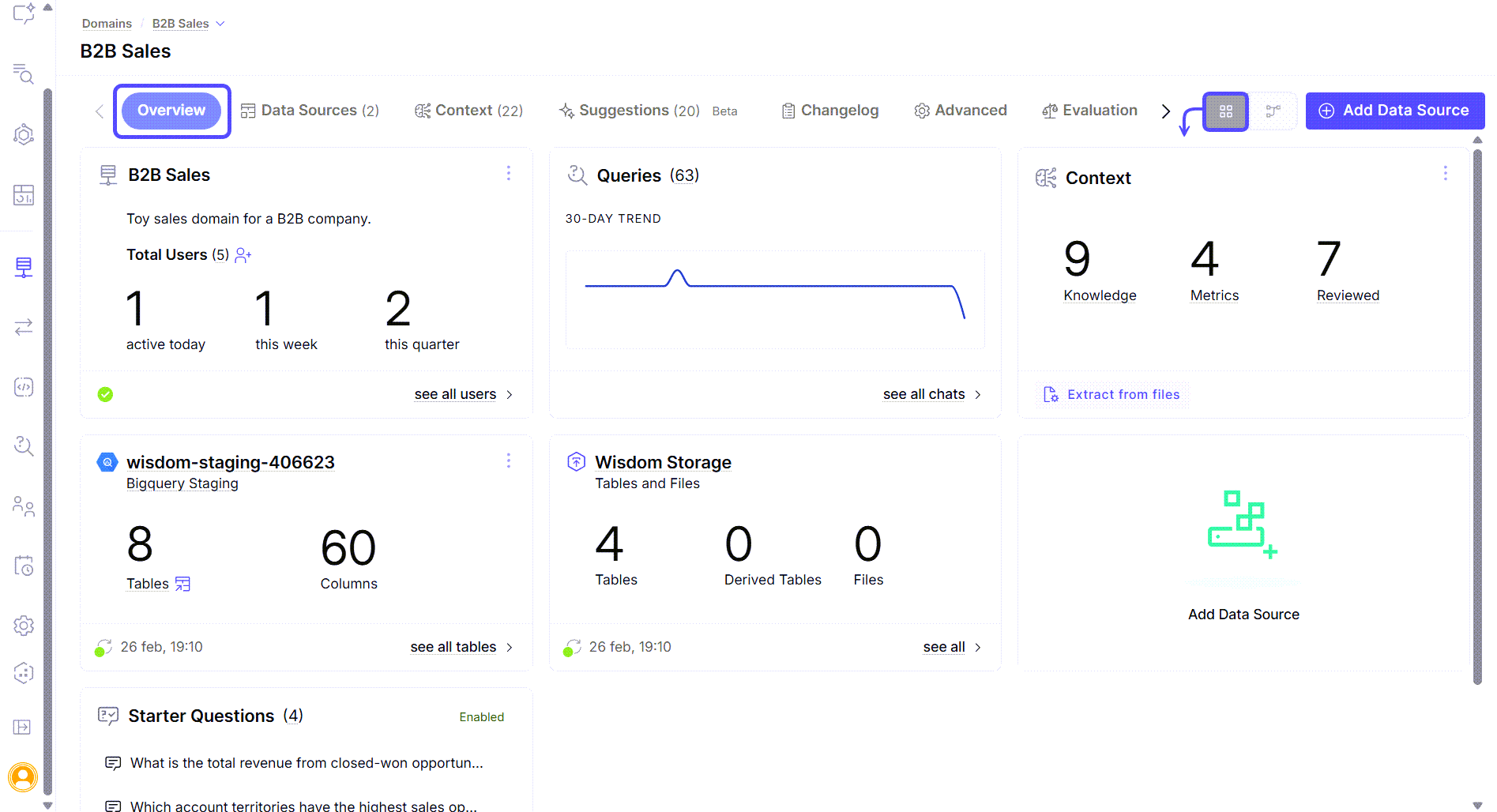
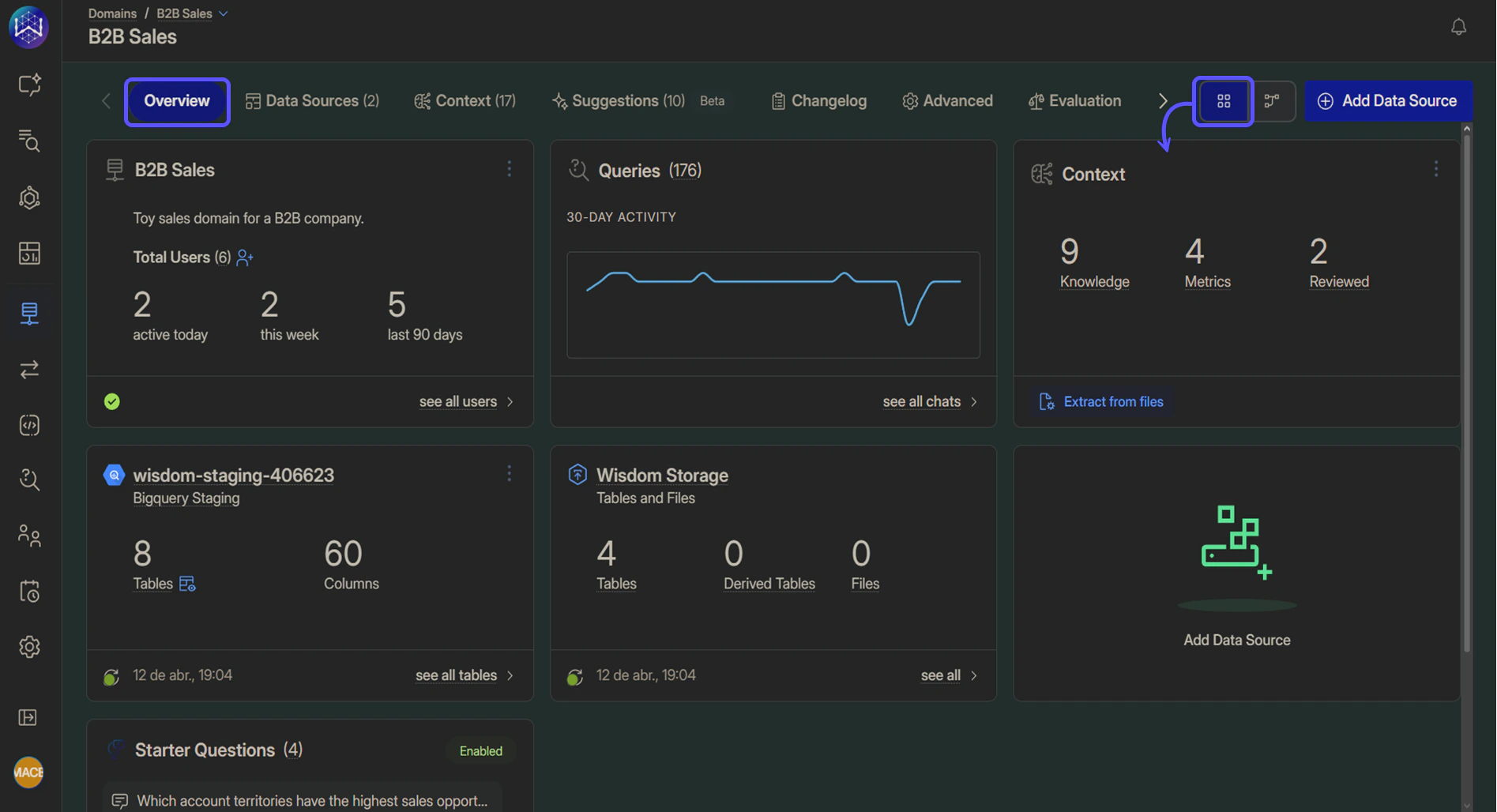
- Domain name and description: Displays the domain title and a short description.
- Queries: Shows the total number of queries and a 30-day usage trend.
- Context: Provides a count of configured Knowledge entries, Metrics, and Reviewed Queries.
- Connected data sources: Displays one card per connected data source (for example, database connections or file uploads), including:
- Number of tables
- Number of columns
- Last synchronization status
- MCP Servers: If connected, displays one card per MCP server showing the server name, total number of tools, and how many tools are enabled.
- Web Search: If enabled, displays a card showing the current source policy (Allowlist, Blocklist, or All domains) and the number of configured domains.
- Files: Indicates the number of datasets and uploaded files associated with the domain.
- Starter Questions: Lists example questions configured to guide new users.
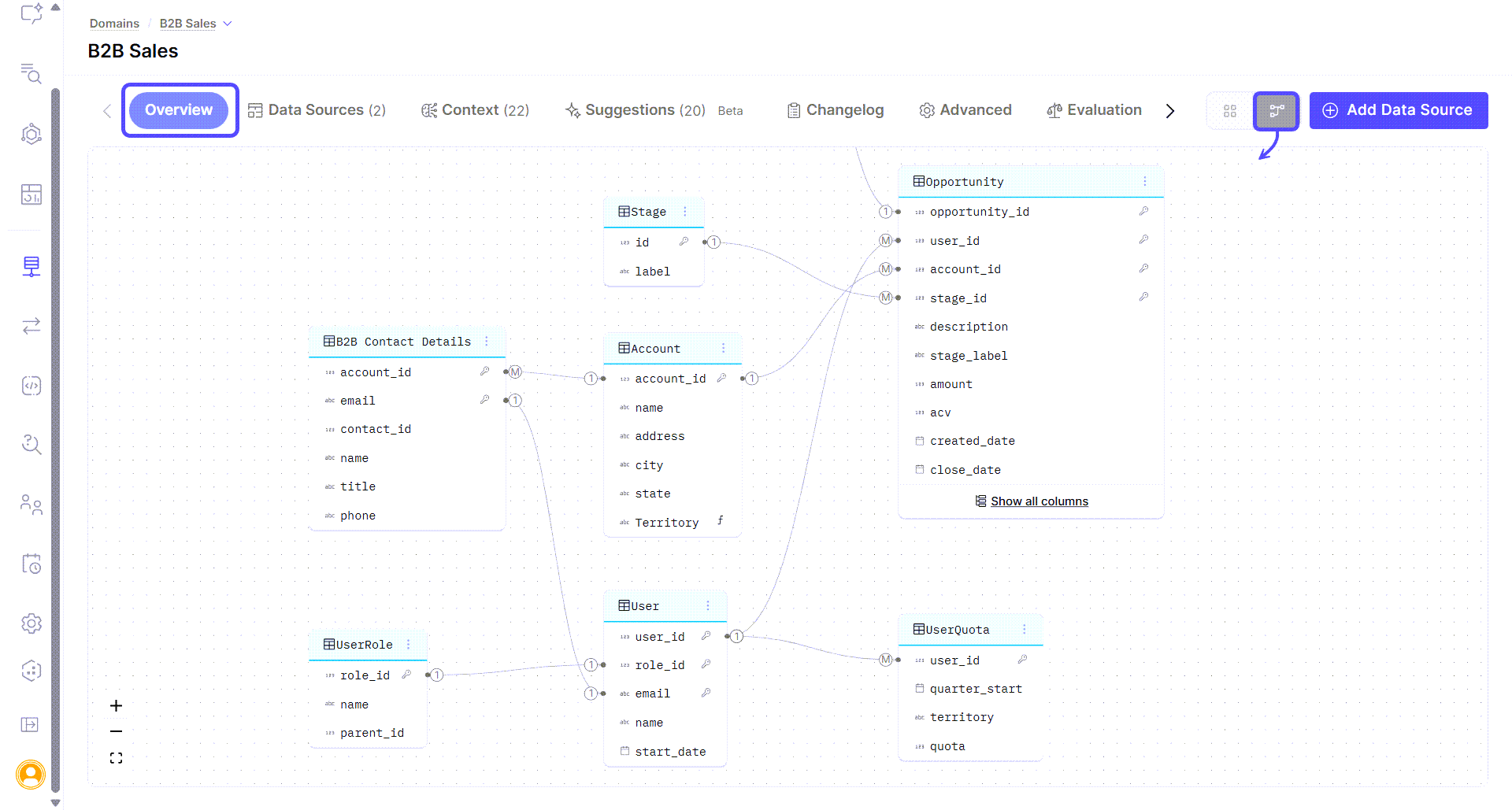
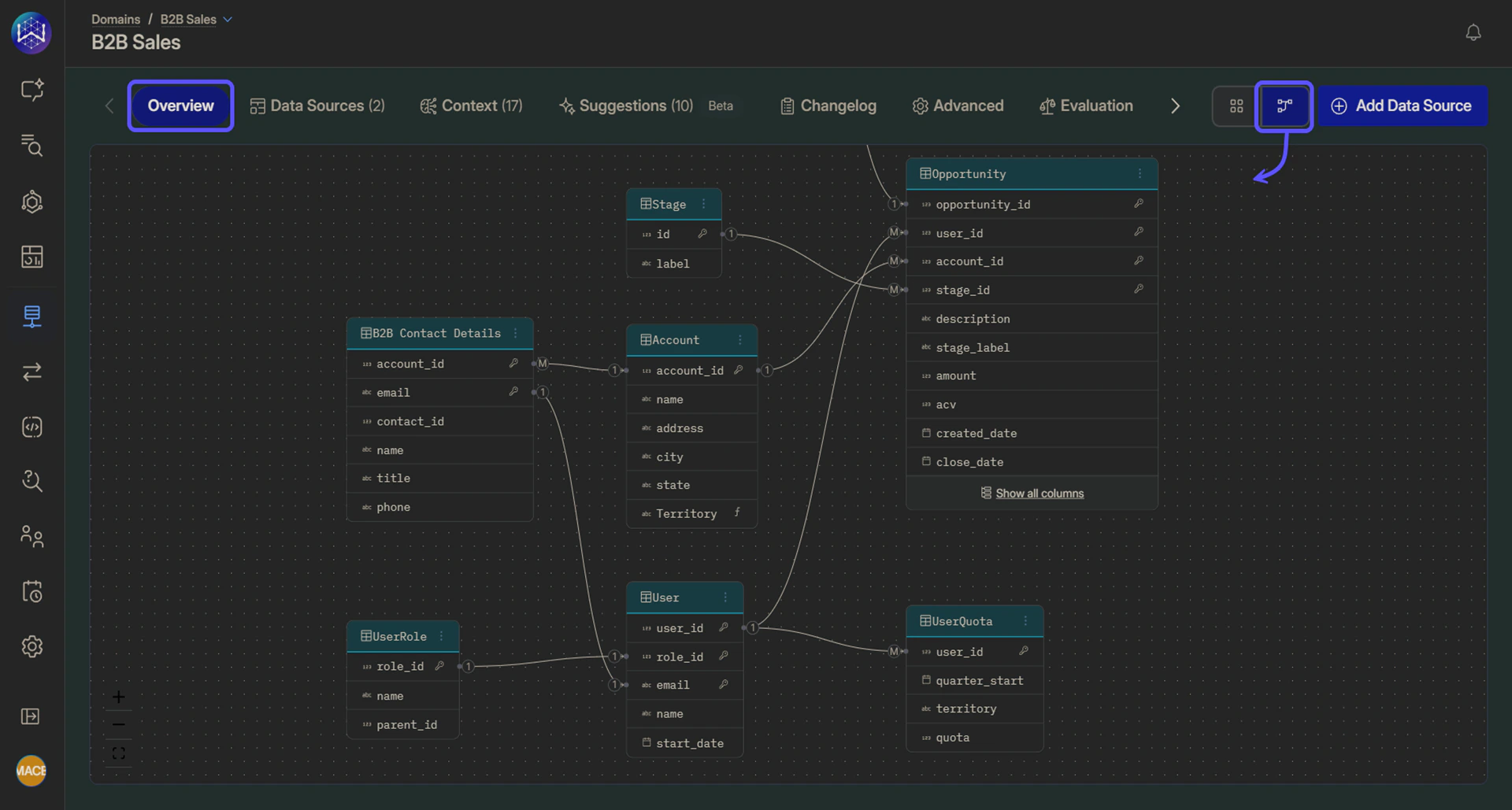
- Tables as nodes
- Relationships between tables
- Key columns used to join data
The diagram view is read-only and is intended for exploration and orientation. To manage tables or relationships, use the Data Sources tab.