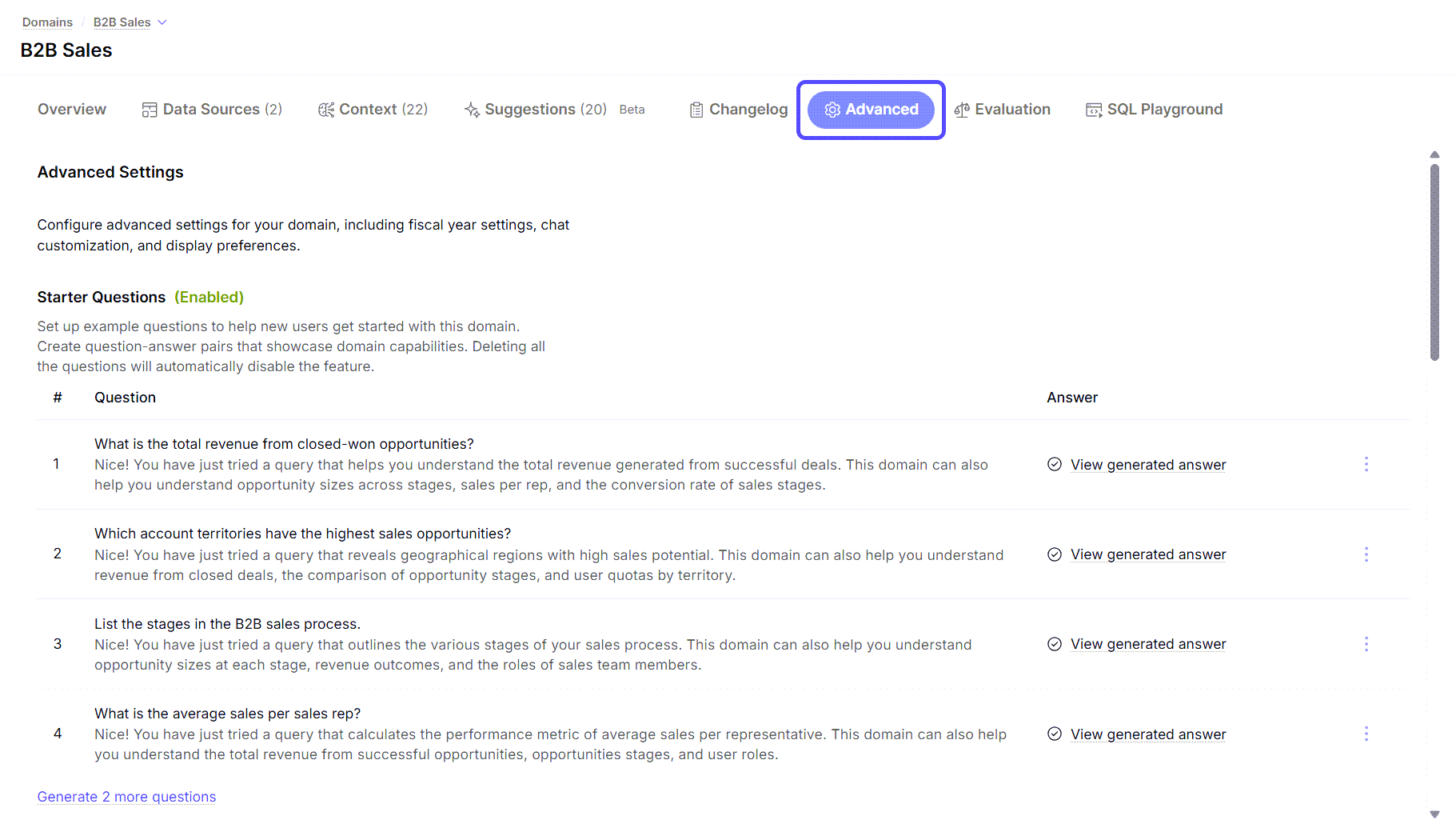
- Starter Questions: A list of predefined questions to guide new users.
- Fiscal Year Configuration: Settings to define your fiscal year start month and end calendar year.
- Jobs: Manage job schedules and view run logs for domain jobs.
- Column Crawl Schedule: Configure when the domain crawl should run. You can also disable crawl from here.
- Display Preferences: Toggles for compact number display and automatic data panel opening.
- Row Level Security Config: Enable or disable this configuration for Admin users.
- Chat Customization: A text area for providing system instructions to the AI, for example, “Always reply in English”.