

Wisdom Smart Cache is in beta and is enabled per account.
Check data freshness
When any tile is served from the data cache, the dashboard header shows Data as of <time> · uses data cache. The timestamp is the oldest data shown anywhere on the artifact.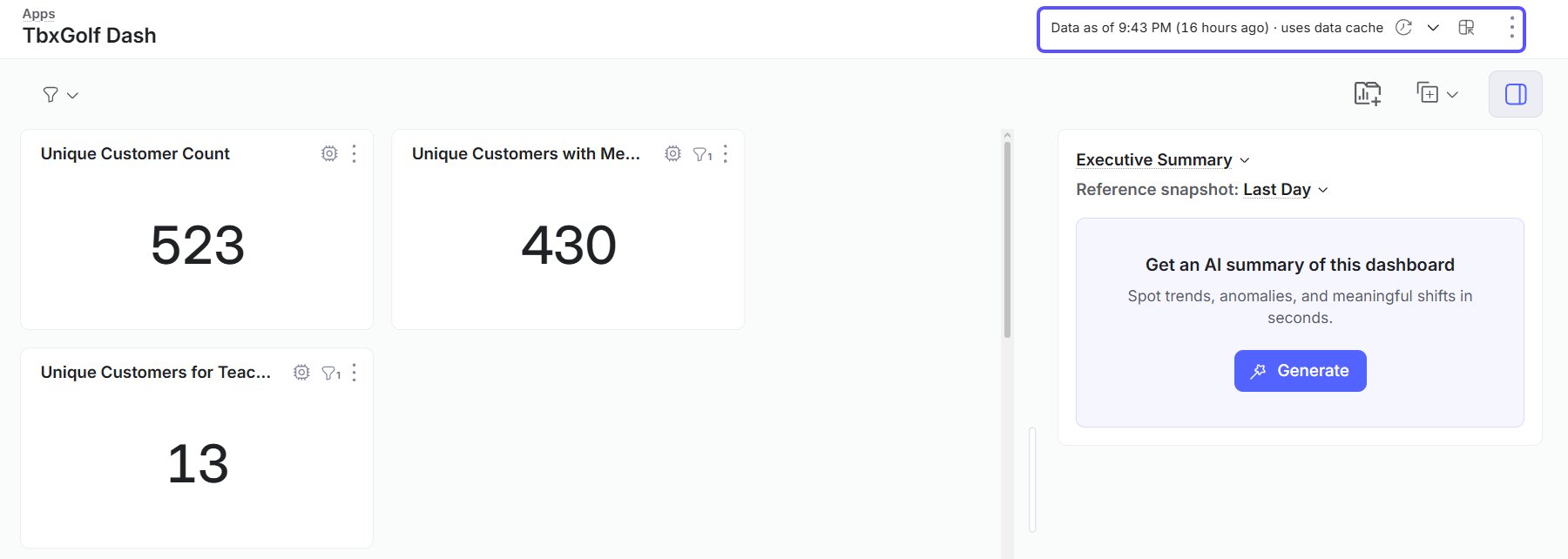
Refresh data
Refresh Data re-runs every widget query. Cached tables read the latest snapshot, and everything else queries the warehouse. Refreshing never rebuilds the cache. Admins control rebuilds from Domains, or with Build now.Per-tile cache chips
Superusers see a cache chip on each tile with the source and cache time. Other users rely on the header line.Related articles
Cache tables for faster apps and dashboards
Register tables for caching and set rebuild intervals.
The Smart Cache screen
Monitor cache usage and find caching candidates.