

/caching.
Wisdom Smart Cache is in beta and is enabled per account. The Smart Cache screen is available to superusers.
Overview tab
Four cards summarize the last 7 days:- The share of app and dashboard queries served from cache.
- Cache latency against the warehouse, with the speedup when the cache serves.
- Total data cached.
- Caches that need attention.
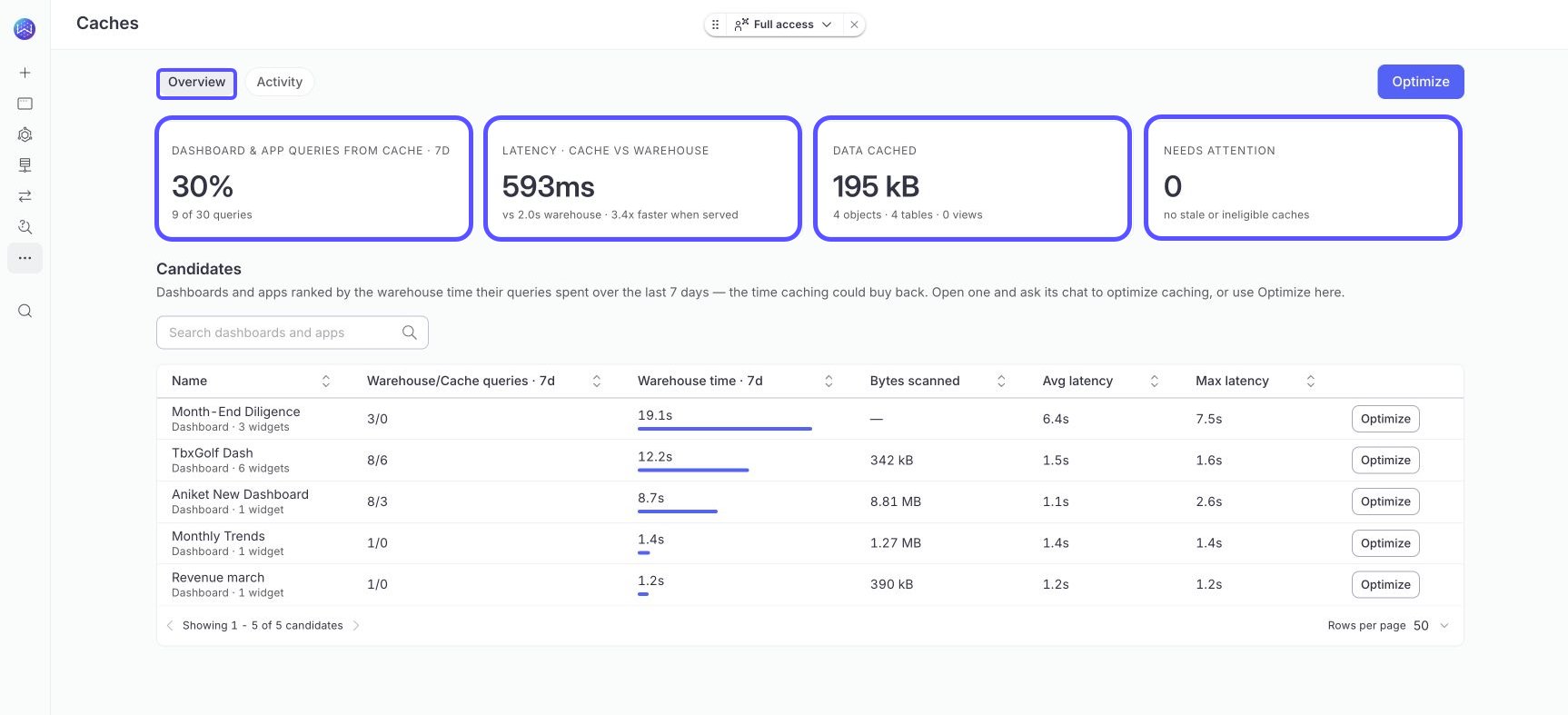
Optimize an app
Select Optimize on a candidate to start an optimization run for it. The optimizer reads the app’s widgets and registers the table caches they’re missing. Where a table is too large to cache, it creates cached views shaped to those widgets. An optimization run handles one app at a time and opens as a conversation, so you can follow what it found and why. WisdomAI doesn’t edit your app. Widget queries stay exactly as written, and removing a cache or cached view changes nothing about the app.Activity tab
The Activity tab lists every cached table and view in the account, with kind, connection, status, freshness, size, and queries served over the last 7 days. Filters live in the URL, so you can share a filtered view as a link.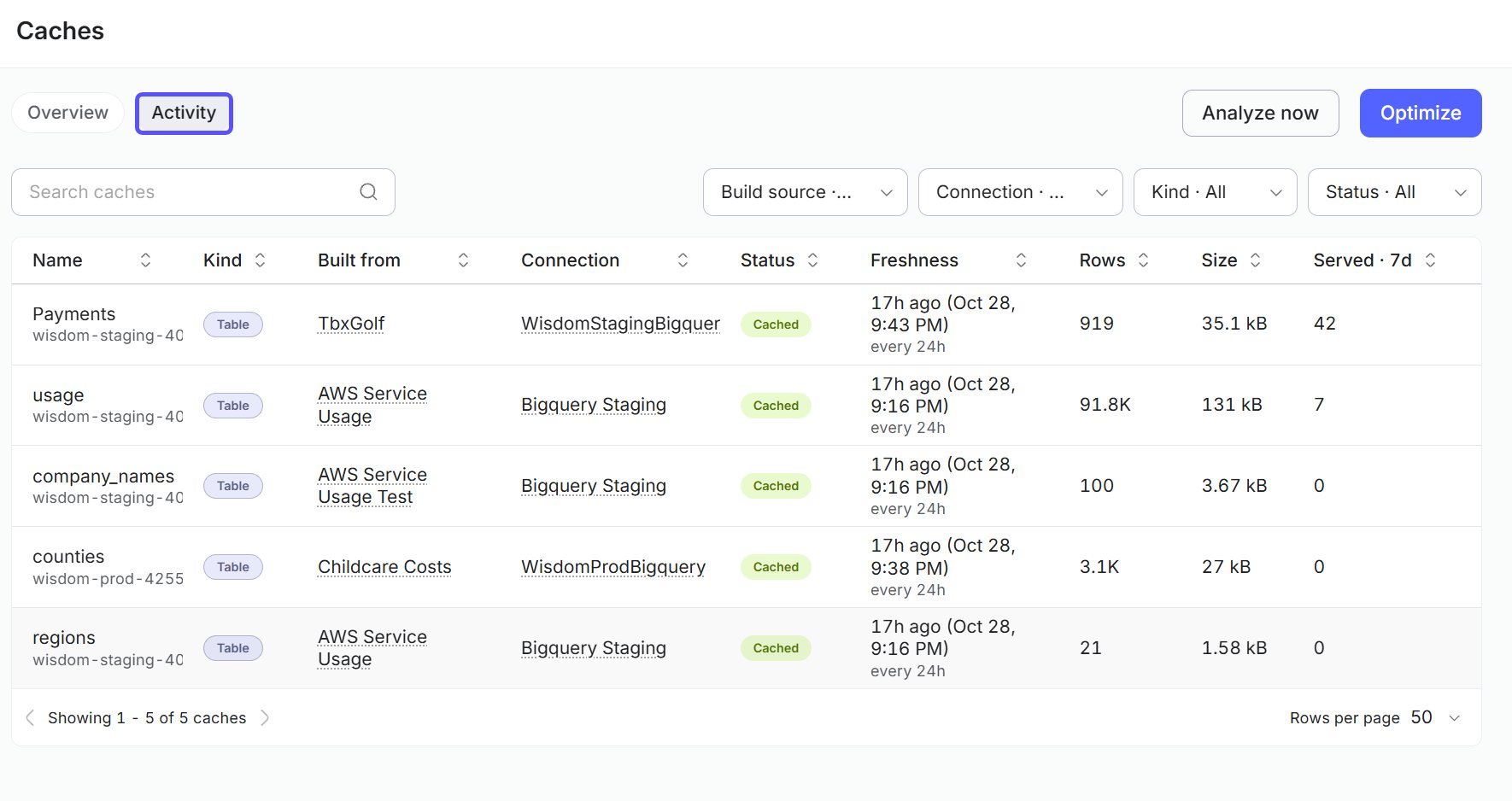
-
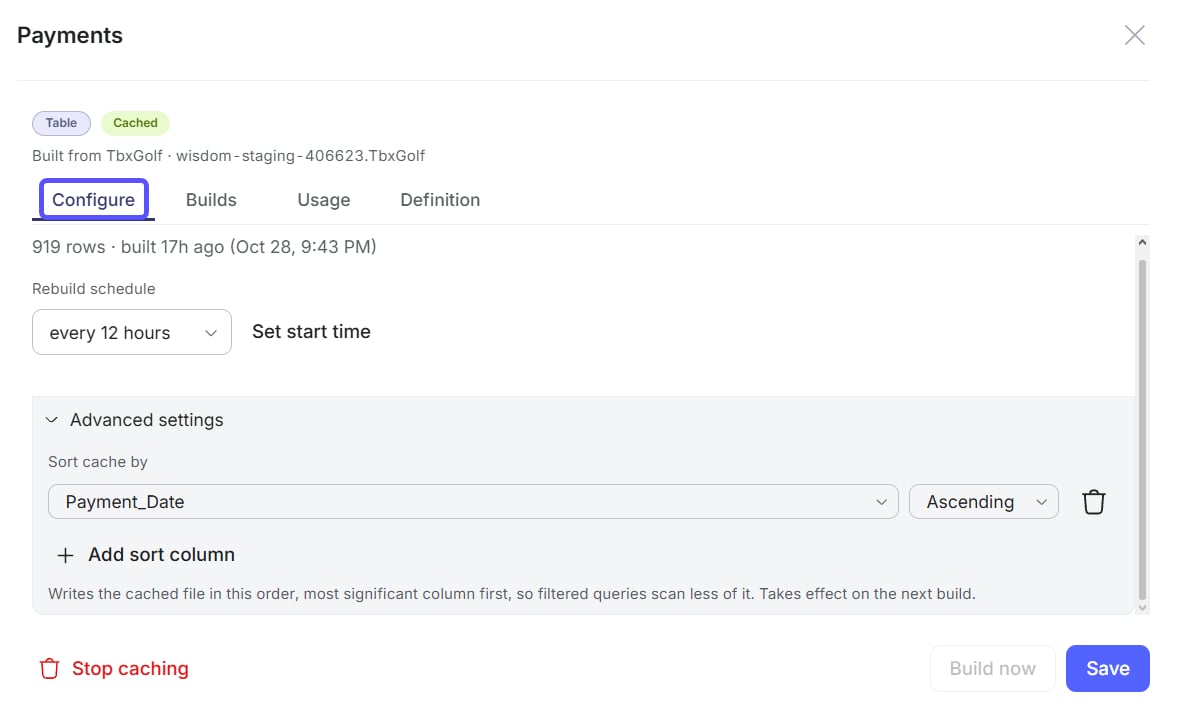
Configure it. Change its settings, such as the rebuild interval, without leaving the Smart Cache screen.
-
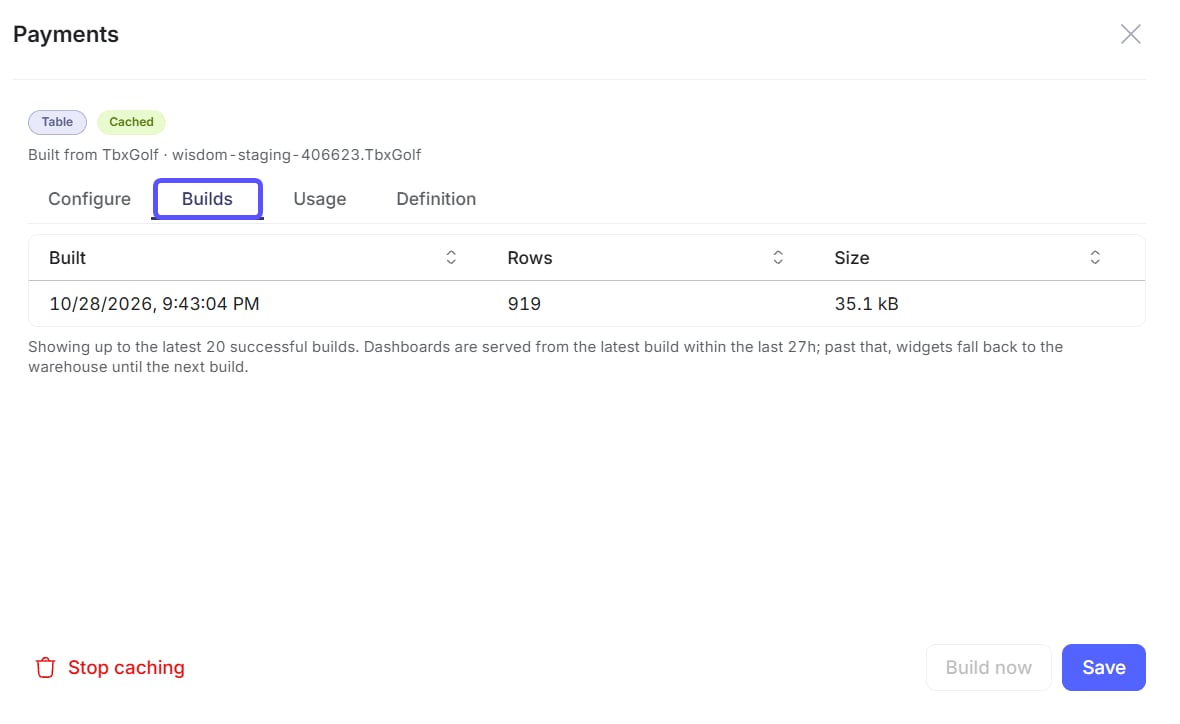
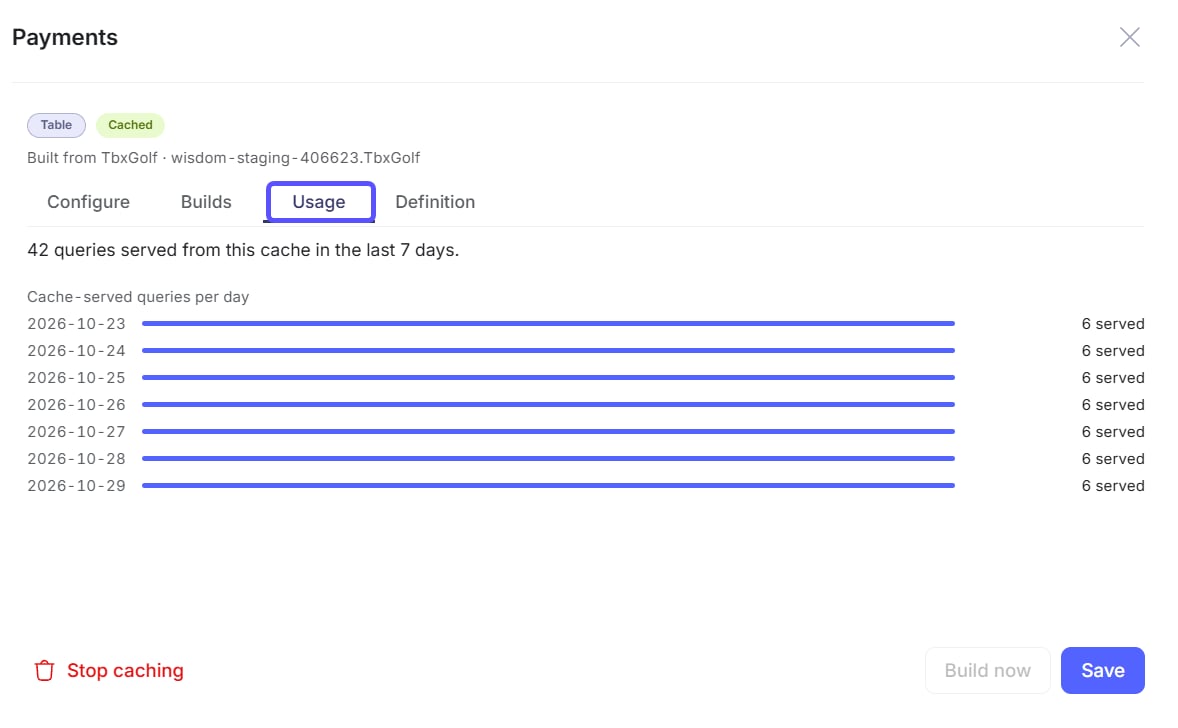
View its builds and usage. See the history of its builds and how many queries it has served, so you can tell whether the cache is healthy and worth keeping.
-
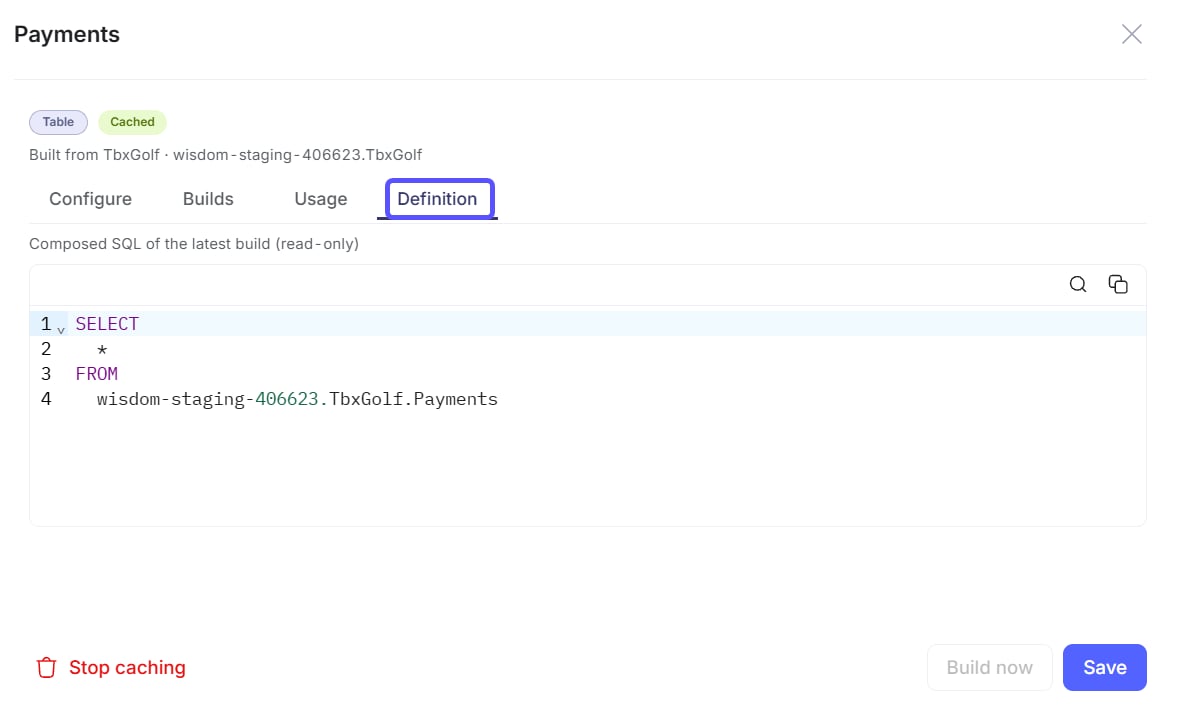
See its read-only definition. Review the SQL behind a cached table or view. You can read the definition but not edit it here.
- Trigger a build. Select Build now to rebuild the snapshot immediately instead of waiting for the next scheduled build, for example after the source data changes.
- Stop caching it. Select Stop caching to stop serving queries from the cache for this item. Queries read from the warehouse instead. The app’s widget queries stay as written.
Cache builds run as jobs. To pause, resume, re-schedule, or cancel a build, use the Jobs page at
/jobs (site admins and superusers).Cached views
The optimizer creates cached views and lists them on the Smart Cache screen. You can see their SQL but not edit it. To own and edit the SQL, create a derived table and cache it through the domain workflow instead.Related articles
Cache tables for faster apps and dashboards
Register tables for caching and set rebuild intervals.
Cached data on dashboards and apps
See how cached data appears to dashboard viewers.