

Understanding lookups and NER
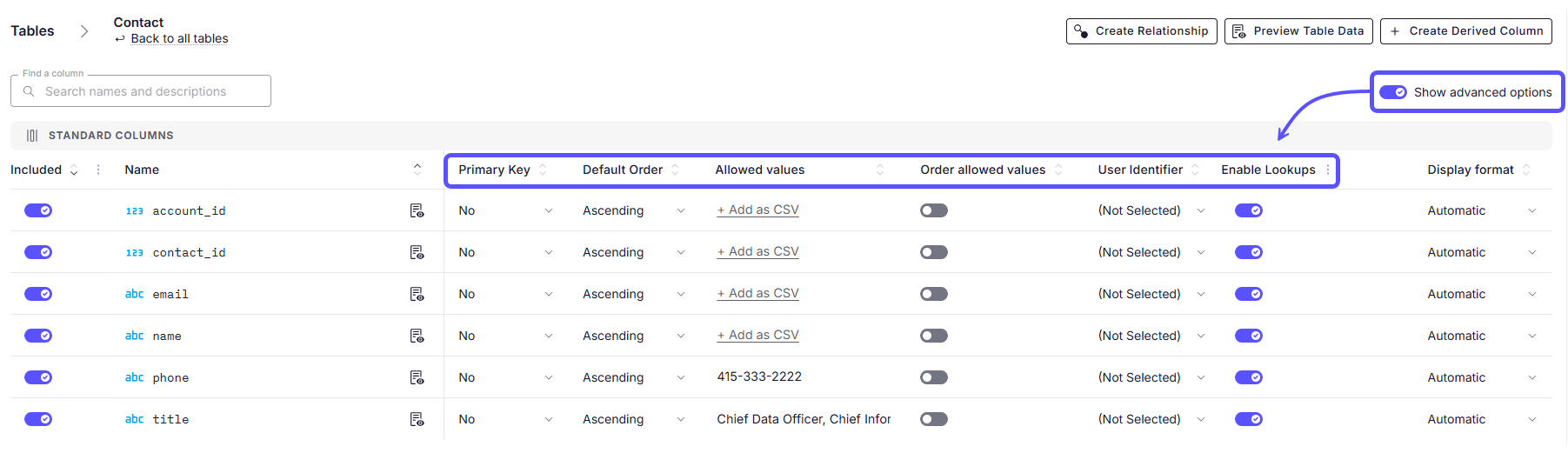
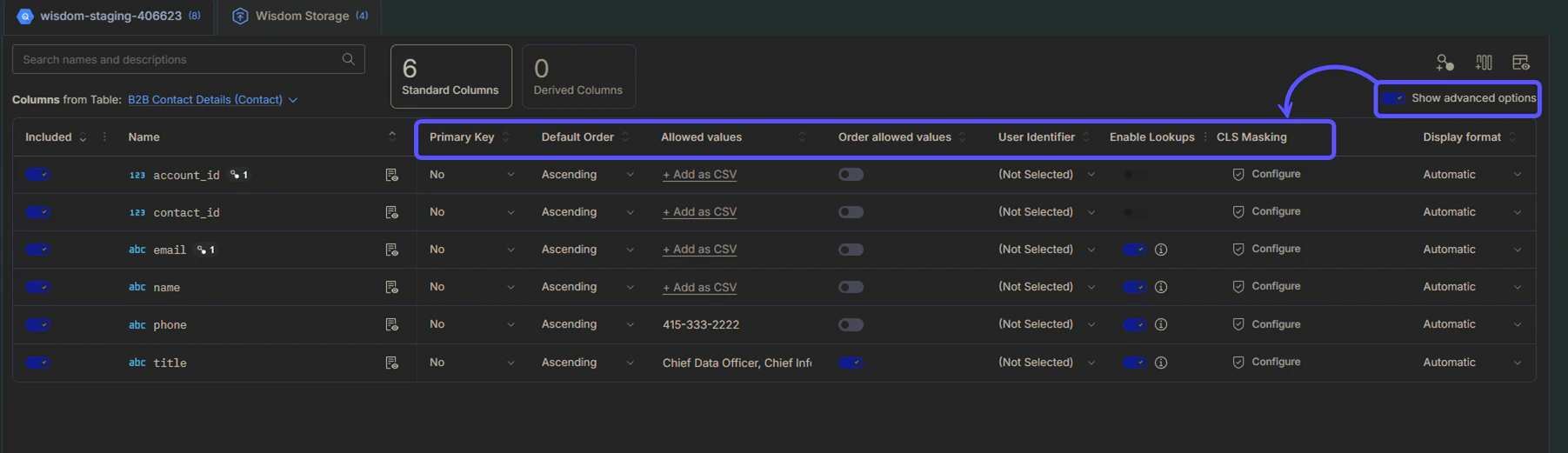
Enabling lookups on textual columns powers Name-Entity Recognition (NER). This helps Wisdom build more accurate SQL queries by mapping user intent to specific database values. The key benefits of enabling this feature are:- Token matching: WisdomAI identifies the right column to query based on tokens in the question string. For example, “Show me total usage for compute services” will match
service_category = compute, whereas “total usage for EC2 services” will matchservice_name = compute. - Typo correction: Fixes minor typos in user questions. For example, “Show me total usage for computer services” will be auto-corrected to
service_category = compute.
Next Steps
Advanced Data Modeling
Define relationships and context in your data to enable more powerful analysis.
Provide Feedback to the System
Learn how to rate answers and provide corrections to improve the system’s accuracy.
Understand Domains
Manage and customize your data domains to refine context and improve query results.