> ## Documentation Index
> Fetch the complete documentation index at: https://docs.wisdom.ai/llms.txt
> Use this file to discover all available pages before exploring further.
# Advanced Column Options
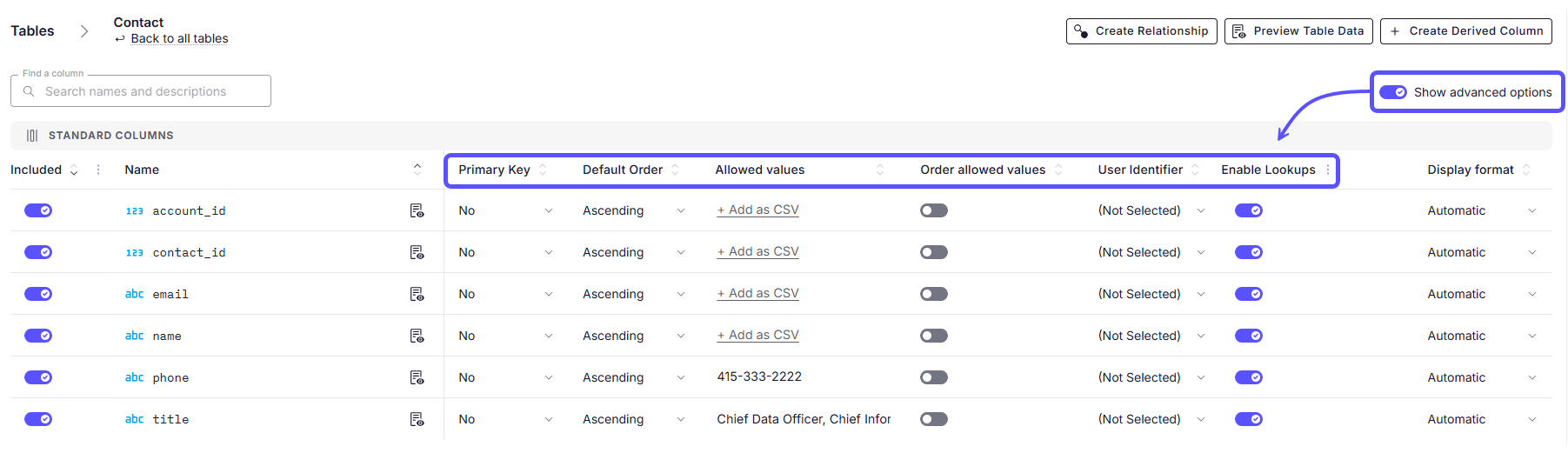
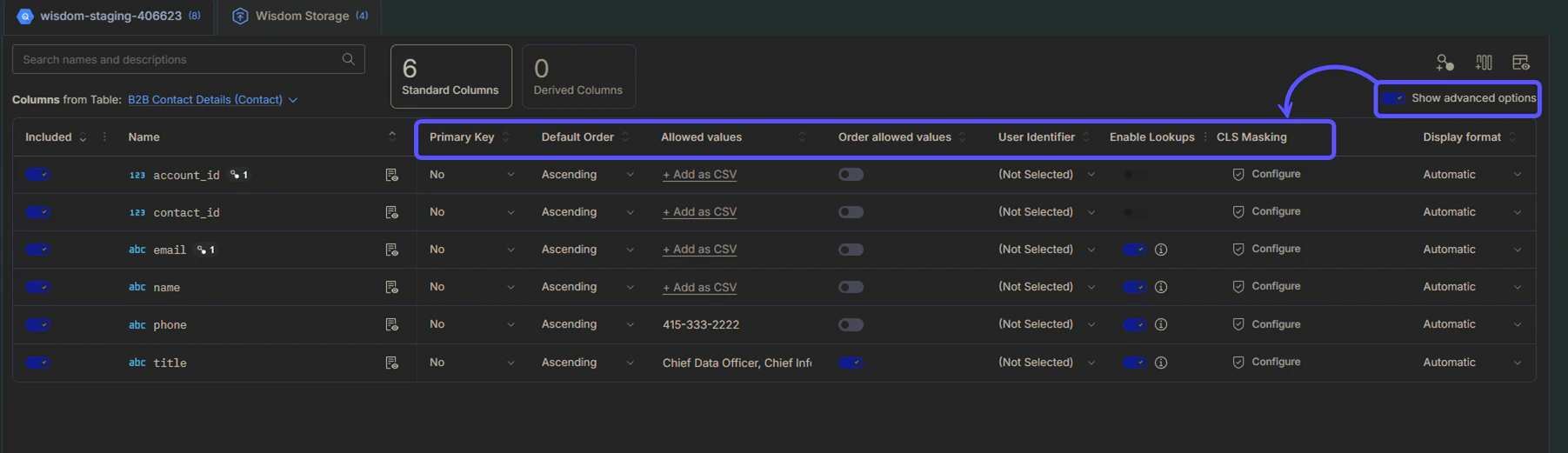
If you toggle the **Show advanced options** switch on, the following additional configuration fields will appear, allowing for more granular control over your data model:
| **Field** | **Description** |
| :----------------------- | :----------------------------------------------------------------------------------------------------------------------------------------------------------------- |
| **Primary Key** | Identifies if the column is a unique identifier for the rows in the table. |
| **Default Order** | Sets the default sorting direction (Ascending or Descending) for the column. |
| **Allowed values** | Defines a list of valid entries to guide WisdomAI's understanding of the column's content. These values are case-sensitive and are used for semantic context only. |
| **Order allowed values** | Enables or disables a specific custom sorting order for the defined allowed values. This custom sequence overrides the Default Order setting. |
| **User identifier** | Marks the column as containing user-specific identifying information such as email or username. |
| **Enable Lookups** | Toggles whether this column can be used for data lookup operations and Name-Entity Recognition (NER). |
## Understanding lookups and NER
Enabling lookups on textual columns powers Name-Entity Recognition (NER). This helps Wisdom build more accurate SQL queries by mapping user intent to specific database values. The key benefits of enabling this feature are:
* **Token matching**: WisdomAI identifies the right column to query based on tokens in the question string. For example, "Show me total usage for compute services" will match `service_category = compute`, whereas "total usage for EC2 services" will match `service_name = compute`.
* **Typo correction**: Fixes minor typos in user questions. For example, "Show me total usage for computer services" will be auto-corrected to `service_category = compute`.
Enable lookups on **VARCHAR** type columns that contain categorical dimensions, such as region names, customer names, or category types.
 ## Next Steps
Define relationships and context in your data to enable more powerful analysis.
Learn how to rate answers and provide corrections to improve the system's accuracy.
Manage and customize your data domains to refine context and improve query results.
## Next Steps
Define relationships and context in your data to enable more powerful analysis.
Learn how to rate answers and provide corrections to improve the system's accuracy.
Manage and customize your data domains to refine context and improve query results.