> ## Documentation Index
> Fetch the complete documentation index at: https://docs.wisdom.ai/llms.txt
> Use this file to discover all available pages before exploring further.
# Advanced Tab
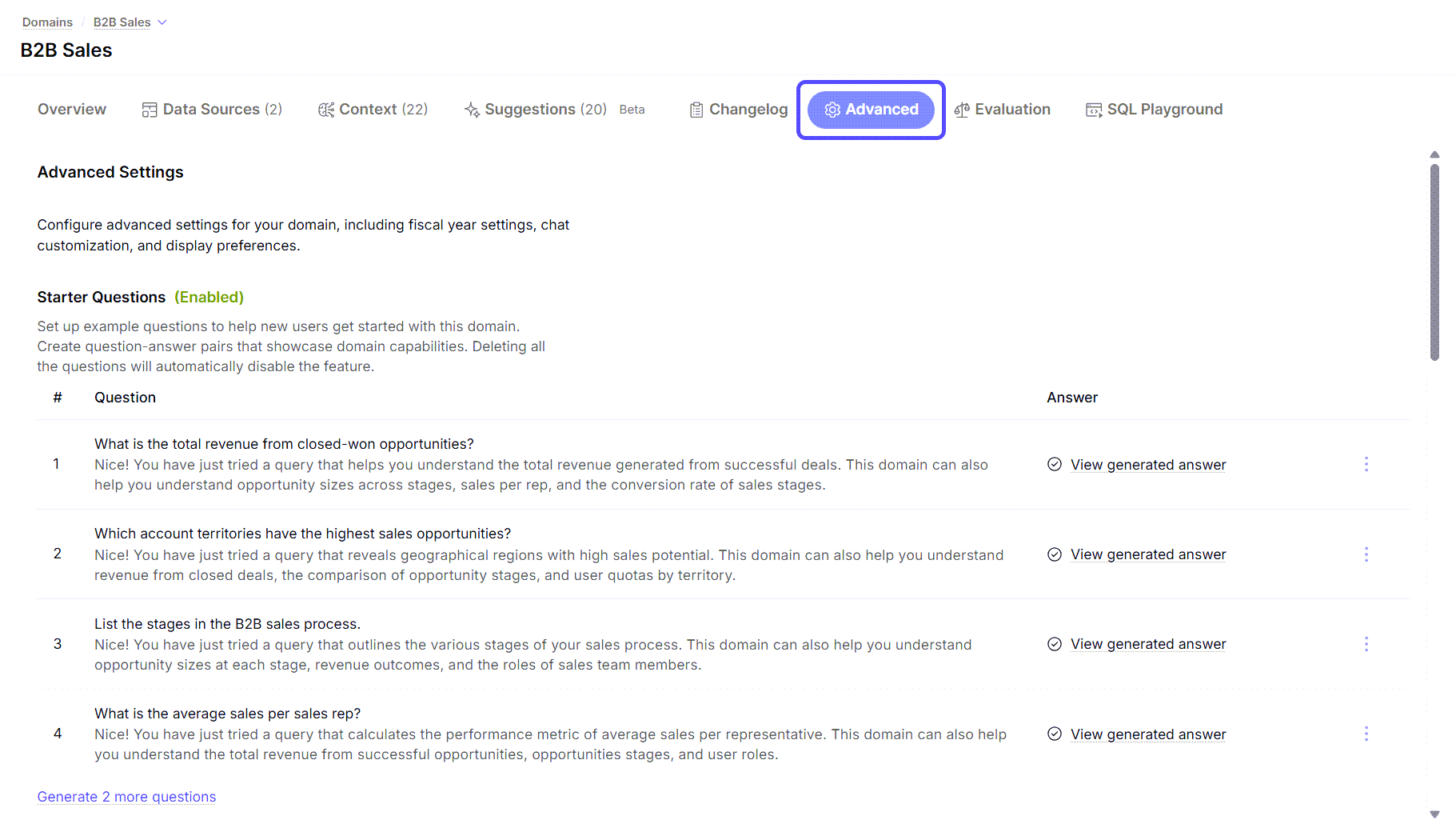
The Advanced tab provides granular control over various operational and presentation aspects of your domain. You can fine-tune display preferences, set fiscal year configurations, and customize the AI's behavior.
This section allows you to configure these settings:
* **Starter Questions:** A list of predefined questions to guide new users.
* **Fiscal Year Configuration:** Settings to define your fiscal year start month and end calendar year.
* **Jobs**: Manage job schedules and view run logs for domain jobs.
* **Column Crawl Schedule:** Configure when the domain crawl should run. You can also disable crawl from here.
* **Display Preferences:** Toggles for compact number display and automatic data panel opening.
* **Row Level Security Config:** Enable or disable this configuration for Admin users.
* **Chat Customization:** A text area for providing system instructions to the AI, for example, "*Always reply in English*".